On-Premise AI Consulting: What to Expect and How to Start
Learn what on-premise AI consulting actually involves: architecture decisions, hardware selection, model deployment, and what to expect from a real engagement.
On-Premise AI Consulting: What to Expect and How to Start
You've decided your company needs AI but can't send sensitive data to the cloud. Now what? Here's exactly what on-premise AI consulting looks like, what it costs, and how to avoid the expensive mistakes most companies make.
▸ You Need AI. You Can't Risk Your Data. Now You Need a Plan.
Most companies arrive at on-premise AI consulting through a specific chain of events.
First, employees start using ChatGPT on their own. Productivity goes up. Then someone in compliance or legal asks: "Where is our data going?" Productivity conversations turn into risk conversations. The CTO gets tasked with finding a solution that delivers the AI benefits without the data exposure.
That's usually when the search for "on-premise AI consulting" begins.
And that's where the confusion starts. Because the AI consulting market is a mess. You've got enterprise firms quoting $500,000 engagements, offshore dev shops promising the moon for $50/hour, and platform vendors pretending their product demo is a consulting engagement.
This guide cuts through the noise. I'll walk you through what on-premise AI consulting actually involves, what each phase costs, what questions to ask, and how to tell the difference between a consultant who will help you and one who will waste your budget.
▸ What On-Premise AI Consulting Actually Is
On-premise AI consulting is a professional service where someone helps your company deploy and run AI models on your own infrastructure. Not on AWS. Not on Azure. On hardware in your building or your private data center.
The consultant handles what your team probably can't (or shouldn't spend time figuring out):
- ▹Assessment: Determining whether on-premise AI makes sense for your use cases, compliance requirements, and budget
- ▹Architecture: Designing the right hardware, software, and network configuration
- ▹Deployment: Setting up the models, interfaces, and integrations
- ▹Training: Getting your team comfortable and productive with the new tools
- ▹Optimization: Tuning performance and expanding use cases over time
A good on-premise AI consultant is part strategist, part engineer, and part translator. They need to understand the technology deeply enough to deploy it, and they need to explain it clearly enough that your board approves the investment.
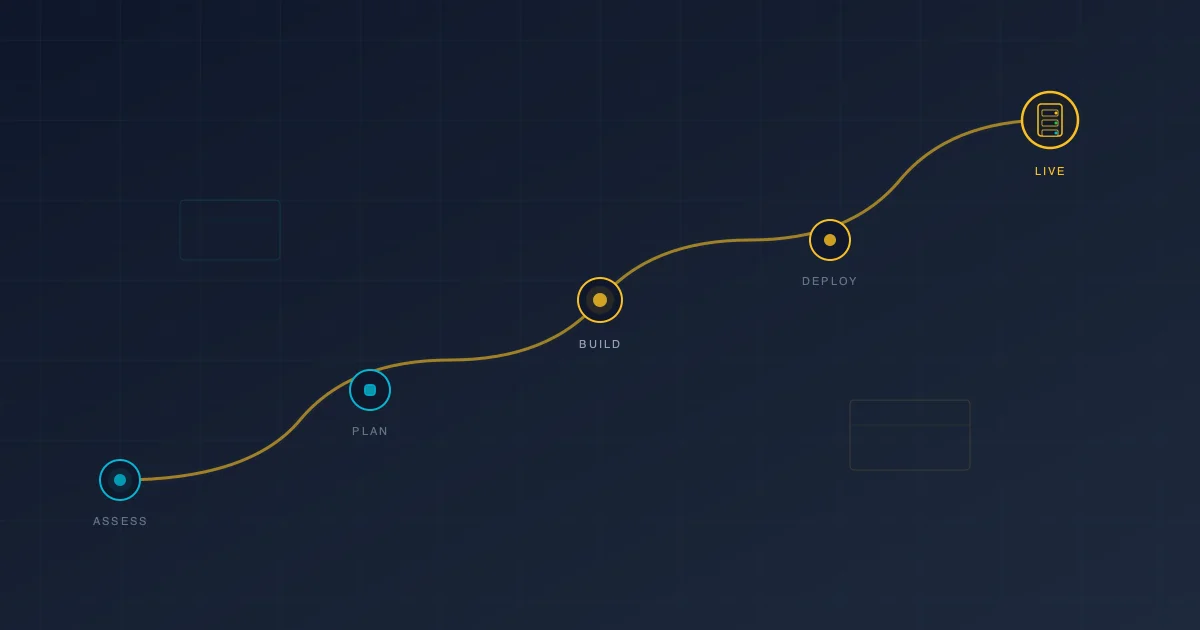
▸ The Five Phases of an Engagement
Every on-premise AI consulting project follows roughly the same arc. Here's what each phase involves so you know what you're paying for.
Phase 1: Discovery and Assessment (1-2 Weeks)
This is where the consultant learns your business. Not your technology. Your business.
What happens:
- ▹Interview key stakeholders: CTO, IT director, department heads, compliance officer
- ▹Audit current AI usage (the shadow AI mapping)
- ▹Document regulatory requirements (HIPAA, SOC 2, state privacy laws, industry-specific rules)
- ▹Identify the top use cases where AI will deliver measurable value
- ▹Assess existing infrastructure: what hardware and networking you already have
What you get:
A written assessment with clear recommendations. Should on-premise AI move forward? Which use cases come first? What's the rough budget? What are the risks?
What it costs:
For a mid-size company (50-200 employees), expect $2,000-$5,000 for a thorough assessment. Some consultants offer this as a fixed-fee engagement. I do, because I think you deserve to understand your options before committing to a larger project.
Red flag: A consultant who skips assessment and jumps straight to selling you hardware. They don't understand your business yet. How can they recommend a solution?
Phase 2: Architecture and Planning (1-2 Weeks)
Based on the assessment, the consultant designs your deployment.
What happens:
- ▹Hardware specification (GPU server, networking requirements, physical placement)
- ▹Software stack selection (inference engine, user interface, RAG pipeline)
- ▹Model selection based on your use cases
- ▹Security architecture (network isolation, access controls, authentication)
- ▹Integration planning (connecting to existing document management, email, or CRM systems)
- ▹Project plan with clear milestones and timeline
What you get:
A deployment blueprint your IT team can review. It should be specific enough that you could hand it to a different vendor and they could execute it. That's a sign of a consultant working in your interest, not their own.
What it costs:
$3,000-$7,000 depending on complexity. More complex environments (multiple offices, hybrid cloud requirements, heavy compliance documentation) cost more.
Phase 3: Deployment (2-4 Weeks)
This is the build phase. Hardware arrives, software gets configured, and the system comes online.
What happens:
- ▹Hardware procurement and setup (or the consultant specs it and your IT team procures)
- ▹Operating system and driver configuration
- ▹Inference engine installation and optimization
- ▹Model download and testing
- ▹User interface deployment and configuration
- ▹RAG pipeline setup with initial document ingestion
- ▹Security hardening and access control configuration
- ▹Integration with authentication systems (Active Directory, SSO)
- ▹Load testing and performance validation
What you get:
A working system. Your team can log in to a web interface, interact with AI, and search company documents. Data stays on your network.
What it costs:
$5,000-$15,000 for consulting labor. Hardware is separate (see the hardware section below). A straightforward deployment for a 50-person company with one main use case is on the lower end. A 200-person company with multiple departments, complex document sets, and integration requirements is on the higher end.
Phase 4: Training and Rollout (1-2 Weeks)
The best system in the world fails if people don't use it.
What happens:
- ▹Pilot group training (5-10 power users from different departments)
- ▹Feedback collection and system adjustments
- ▹Documentation: user guides, IT runbooks, troubleshooting guides
- ▹Company-wide training sessions
- ▹Governance policy creation (acceptable use, data handling, who has access to what)
What you get:
An adopted system, not just a deployed one. Users who know how to get value from the tools. An IT team that can maintain it. Policies that keep things on track.
What it costs:
$2,000-$5,000. Often bundled with deployment.
Phase 5: Optimization and Support (Ongoing)
The first deployment is never the last iteration.
What happens:
- ▹Performance monitoring and tuning
- ▹Model upgrades as better open-source models release
- ▹Expanding document library for RAG
- ▹Adding new use cases as teams discover needs
- ▹Troubleshooting and maintenance support
What it costs:
$500-$2,000/month for ongoing support, or hourly as needed. Many companies handle routine maintenance internally after the initial engagement and bring the consultant back for upgrades or expansions.
▸ Total Cost: The Complete Picture
Let's put the full picture together for a 75-person company.
| Category | Cost | Type |
|---|---|---|
| Assessment | $3,000-$5,000 | One-time |
| Architecture and planning | $4,000-$6,000 | One-time |
| Hardware (professional tier) | $12,000-$20,000 | One-time |
| Deployment labor | $7,000-$12,000 | One-time |
| Training and rollout | $3,000-$5,000 | One-time |
| Total initial investment | $29,000-$48,000 | |
| Ongoing maintenance | $1,000-$2,000/month | Recurring |
Compare this to ChatGPT Enterprise at $60/user/month for 75 users: that's $54,000 per year, every year. The on-premise investment pays for itself in the first year, and years two and beyond cost a fraction of the cloud alternative.
▸ How to Choose a Consultant (and How to Spot a Bad One)
The AI consulting market is young and largely unregulated. That means quality varies wildly. Here's how to filter.
Green Flags
They publish their pricing. If a consultant posts their rates openly, they're confident in their value and they respect your time. You shouldn't need a "discovery call" just to learn whether you can afford the conversation.
They've done this before. Ask for specifics. Not "we've helped dozens of enterprises with AI." Specifics: "I deployed a 70B Llama model on a dual-GPU server for a 40-person law firm running RAG over 50,000 documents." Details matter.
They recommend against the engagement when appropriate. A consultant who tells a 10-person team with no compliance requirements to just use ChatGPT Team is being honest. Hire that person for when you actually need them.
They explain things in your language. If every conversation is drowning in acronyms and technical jargon, the consultant is either showing off or can't translate. You need someone who can talk to your IT team and your CFO in the same meeting.
They hand over everything. Documentation, credentials, runbooks. When the engagement ends, you should be fully capable of running the system without them. A consultant who creates dependency is building their revenue stream, not your capability.
Red Flags
No published pricing and a long sales process. If you can't get a ballpark number without three meetings and a "proposal," the price will be inflated to match whatever they think you'll pay.
Platform-first recommendations. If every conversation steers toward a specific vendor's platform (often one the consultant has a partnership with), you're getting a sales pitch, not consulting.
Enterprise-only language. If the consultant talks about "enterprise transformation" and "AI centers of excellence" for your 80-person company, they're going to overengineer the solution and overcharge for it.
Vague timelines. "These projects typically take 3-6 months" is a non-answer. A specific project for a specific company should have a specific timeline. Plus or minus two weeks, not plus or minus three months.
No technical depth. Some consultants are pure strategists. They'll give you a PowerPoint deck and a recommendation but can't actually deploy anything. For on-premise AI, you need someone who can get their hands dirty with the hardware and software.
▸ Common Questions from First-Time Buyers
"Do we need to hire an AI person full-time?"
Not usually. After the initial deployment, ongoing maintenance is 2-4 hours per month. Your existing IT team can handle it with the training and documentation provided during the engagement. Most mid-size companies don't need a dedicated AI engineer.
"What if we outgrow the initial setup?"
Scaling is straightforward. Add a second GPU, add a second server, or upgrade to more powerful hardware. The software stack stays the same. A good consultant designs the initial architecture with growth in mind.
"Can we try this without a consultant?"
Technically, yes. Ollama and Open WebUI are open source. Your IT team could set them up. But there's a difference between "it runs" and "it runs well, securely, at scale, with proper access controls, governance, and optimized performance." The consultant's value isn't in installing software. It's in doing it right the first time and saving you months of trial and error.
"What if the technology changes?"
It will. New models release quarterly. Better tools emerge. A good consultant sets you up with an architecture that's model-agnostic. Swapping to a better model is a configuration change, not a rebuild.
"How do we justify this to the board?"
Lead with risk reduction, not technology enthusiasm. Frame it as: "Our employees are using AI with company data through uncontrolled channels. This project brings that under control, reduces compliance risk, and saves $X per year compared to cloud alternatives." The compliance angle and the cost comparison together make a compelling business case.
▸ Getting Started Is Simpler Than You Think
On-premise AI consulting sounds like a big enterprise project. It's not. For a mid-size company, you're looking at 6-8 weeks from kickoff to full deployment. One server. A handful of software tools. Training for your team. That's it.
The hardest part is usually making the decision to start. The technology is ready. The open-source models are capable. The tooling is mature. What most companies need is someone who has done this before to guide the process and avoid the common pitfalls.
I help mid-size companies deploy on-premise AI. My process follows the five phases I outlined above, and my pricing is published on brianstory.com. No pitch deck. No discovery call to learn what I charge. Just transparent information so you can decide if it makes sense.
If your company is in the "we need AI but we can't risk our data" stage, take a look. Or skip straight to booking a consultation. Either way, you'll know exactly what you're getting into before you commit.
Brian Story is an on-premise AI consultant who helps mid-size businesses deploy private AI infrastructure. He publishes his rates because he thinks the consulting industry's obsession with hiding pricing is bad for clients. See for yourself at brianstory.com.
Need AI Strategy That Actually Works?
Let's cut through the noise. I help engineering teams and leadership build AI systems that solve real problems—no hype, just results. From RAG pipelines to production deployments.
Get AI insights delivered
Practical AI engineering tactics. No fluff, no spam.