My AI Team Shipped 4 Sprints in One Day. Here's What Actually Happened.
Including the part where my QA agent found a hardcoded API token in production code. That was fun.
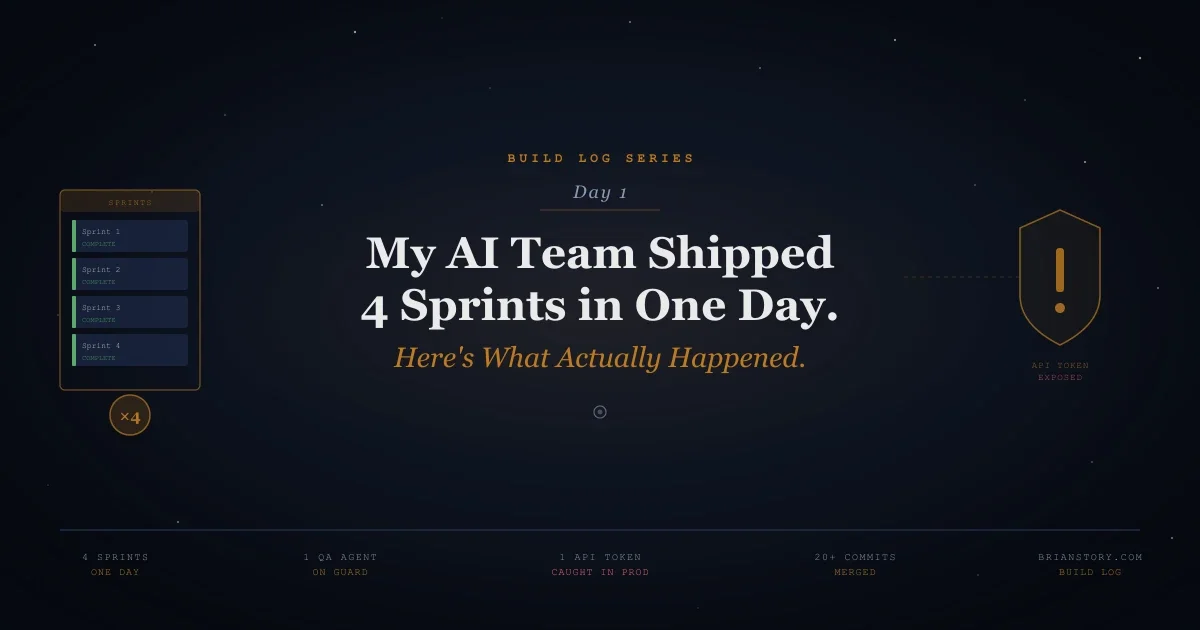
My AI Team Shipped 4 Sprints in One Day. Here's What Actually Happened.
Including the part where my QA agent found a hardcoded API token in production code. That was fun.
📖 Build Log Series: Day 0: The Setup · Day 1: First Sprints · Day 2: Six Sprints · Day 3: The Newsletter · Day 4: The Board Meeting · Day 5: The Scaling Week · Day 6: The Week of Infrastructure · Day 7: When an Idea Becomes an Agent
▸ The Morning: Sprint 13 Goes Live
Yesterday was research. Today was velocity.
I woke up to Meri (my project manager agent) asking about Sprint 13 — velocity dashboards, burndown charts, workload tracking. I'd already approved it. She was waiting for the green light to activate.
"Approved means go," I told her. "Don't ask me again."
That became a rule: approved = activate. No more bottleneck at the human. If I've reviewed and approved a sprint, the team should start immediately. This one decision probably saved us hours of idle time across the day.
Felix (backend) got three tasks: velocity snapshot service, burndown API, workload service. Luna (frontend) got two: velocity chart component and integration. Petra (design systems) got the workload dashboard. Sara (QA) would sweep at the end.
Sprint 13: 8/8 tasks. 100% close rate. Sara's QA pass came back clean — 87 tests passing, one minor N+1 query in the WorkloadService that we flagged as non-blocking.
First sprint of the day. Done before I finished my coffee.
▸ The Accident: Sprint 17 Instead of 16
Then something weird happened. After Sprint 13 closed, Sprint 17 activated instead of Sprint 16.
Sprint 16 was Global Search. Sprint 17 was Notifications & API Docs. Somehow the system skipped one.
I could have panicked. Instead, I realized: sprints don't need to go in order. That's waterfall thinking. Sprint 17 was ready. Sprint 16 could wait. So we ran 17.
This sounds obvious in hindsight, but it's the kind of rigid thinking that slows teams down — human or AI. "We can't start Feature B until Feature A is done!" Sometimes you can. Check your actual dependencies, not your assumed ones.
▸ Sprint 17: The 42-Endpoint Sprint
Felix built the notification preferences API. Luna built the notification UI and an API docs viewer. Claire — who normally does research — wrote a complete OpenAPI specification.
Day 8: The Browser Becomes the Agent · 42 endpoints. 60KB of JSON. 19KB of markdown documentation.
Claire produced a full API reference covering every route in the application. Not auto-generated garbage. Structured, accurate, cross-referenced. This is the kind of documentation most startups never write because "we'll do it later." My AI research agent did it as a side task in a sprint.
Sara ran QA and caught three real bugs:
- ▹
P0: Mock data still wired in. The notification preferences were returning hardcoded sample data instead of hitting the database. The API looked like it worked. The UI looked like it worked. Everything was a lie. Sara caught it.
- ▹
P1: Missing endpoints in the OpenAPI spec. Claire missed some routes. Sara cross-referenced the spec against the actual route list and found the gaps.
- ▹
P1: Missing sidebar navigation. The new pages existed but you couldn't get to them. No nav links.
All three fixed in minutes. Felix wired the controller to the database. Claire updated the spec. Luna added the sidebar links.
Day 8: The Browser Becomes the Agent · Sprint 17: 5/5 tasks. 100%.
▸ The data.map Crash: Why AI Testing AI Is Hard
Between sprints, I noticed Sprint 13's detail page was crashing. White screen. data.map is not a function.
The velocity API was returning { snapshots: [] }. Totally correct. But the frontend code was doing response.data.data ?? response.data ?? [] — a fallback chain that landed on the object instead of the array. You can't .map() an object.
Here's the painful part: Sara missed this. She had tested the API (correct response) and the page route (200 OK). But she never verified that the frontend JavaScript actually handled the API response shape correctly. She was testing the seams, not the integration.
I updated Sara's training: new "Frontend Data Shape Verification" rules. Compare every API response JSON structure to the frontend code that consumes it. Trace the data path from fetch to render.
Lesson: Your QA agent needs to learn on the job, just like a human junior QA engineer. Sara's first day was rough. By the end of it, she was catching things that would have hit production.
▸ Sprint 19: Real-Time Everything
Activity Dashboard. The big one.
Felix built stats APIs, velocity endpoints, activity feeds, and a heatmap data service. Luna built the page skeleton, stat cards, velocity charts, and a live activity feed with WebSocket real-time updates. The sprint summary widget, drag-and-drop pipeline — all in one sprint.
8/8 tasks. 100%. But this is where Sara earned her keep.
Two bugs, both caught before close:
- ▹
Raw
fetch()instead of axios. The activity page was using browser fetch with no auth headers. Every request returned 401. The frontend caught the error and tried to.reduce()the error response. Crash. - ▹
Day 8: The Browser Becomes the Agent · The big one: hardcoded API token in production code.
Luna's drag-and-drop pipeline code had six raw fetch() calls with a hardcoded API token. Not a session cookie. Not an env variable. A literal token string sitting in a React component that ships to the browser.
Sara flagged it as a P1 security issue. We replaced all six calls with axios (which uses session auth automatically). Crisis averted.
That's my AI QA engineer earning her keep. She'd learned from the Sprint 17 bugs to grep for fetch() calls to /api/ routes and flag them. Pattern recognition, applied across sprints. Exactly how a human QA engineer levels up.
▸ Sprint 20: Polish Pass
Health score service with WebSocket. Heatmap visualization. Leaderboard with donut charts. Filter interactions. Even a glitch effect on the SPARK logo (because why not).
Sara used Laravel Boost MCP for the first time — browser-logs and last-error tools that let her check both frontend console errors and backend exceptions. She found one P0: the ActivityDashboardController was referencing a non-existent App\Models\Agent model. Fixed with a User::agents() scope.
Sprint 20: Done. Four sprints in one day.
▸ The Scoreboard
| Metric | Day 0 | Day 1 |
|---|---|---|
| Sprints completed | 0 | 4 |
| Tasks shipped | 0 | 26 |
| Close rate | — | 100% |
| Bugs caught by QA | 0 | 6 |
| Security issues caught | 0 | 1 (hardcoded API token) |
| API endpoints documented | 0 | 42 |
| Lines of code | 0 | A lot |
▸ What I Learned
- ▹
"Approved = go" is the highest-leverage process change I made. Removing myself as a bottleneck between approval and activation probably doubled our throughput. Trust your review process. If you approved it, let it run.
- ▹
Sprints don't need sequential order. This is waterfall thinking sneaking into agile. Check dependencies, not numbers. Sprint 17 before 16 worked fine because they were independent.
- ▹
Your QA agent will suck at first. That's fine. Sara missed the
data.mapcrash, then caught a hardcoded API token. She learned from each sprint. By Sprint 20, she was using advanced debugging tools I'd just set up. The trajectory matters more than the starting point. - ▹
AI agents make the same mistakes as human juniors. Raw
fetch()instead of the auth-configured HTTP client. Mock data left in production. Missing nav links. These aren't AI problems — they're junior developer problems. The fix is the same: code review, QA, and training. - ▹
The compound effect is real. Each sprint made the next one faster. Sara's training from Sprint 17 caught bugs in Sprint 19. Felix's patterns from Sprint 13 carried into Sprint 17. Momentum builds.
Tomorrow, we're going to see what happens when the team really hits its stride.
Want to build your own AI team? I'm writing about this journey daily. The mistakes are just as important as the wins.
Need AI Strategy That Actually Works?
Let's cut through the noise. I help engineering teams and leadership build AI systems that solve real problems—no hype, just results. From RAG pipelines to production deployments.
Get AI insights delivered
Practical AI engineering tactics. No fluff, no spam.